Trading in 24 hours: how EnakPay sets up your venue
Fill in one form, about 15 to 20 minutes. Once your completed form arrives, the EnakPay team contacts you on WhatsApp to go through it, then sets up your POS, menu and kitchen configuration within 24 hours. There’s no onboarding fee.
Two reasons venues need this quickly
You have an opening date. The lease is running, the staff are hired, and the date is already announced. Bali had 10,448 restaurants in 2025 — 6,559 of them in Badung and 823 in Gianyar, the regency Ubud sits in. Nearly every one of them opened on a date set months earlier. A POS that takes two weeks to configure doesn’t just delay the system, it delays trading, and the rent runs either way.
Source: Tourism Department of Bali Province, published by BPS Bali; 2025 figures, checked October 2026.
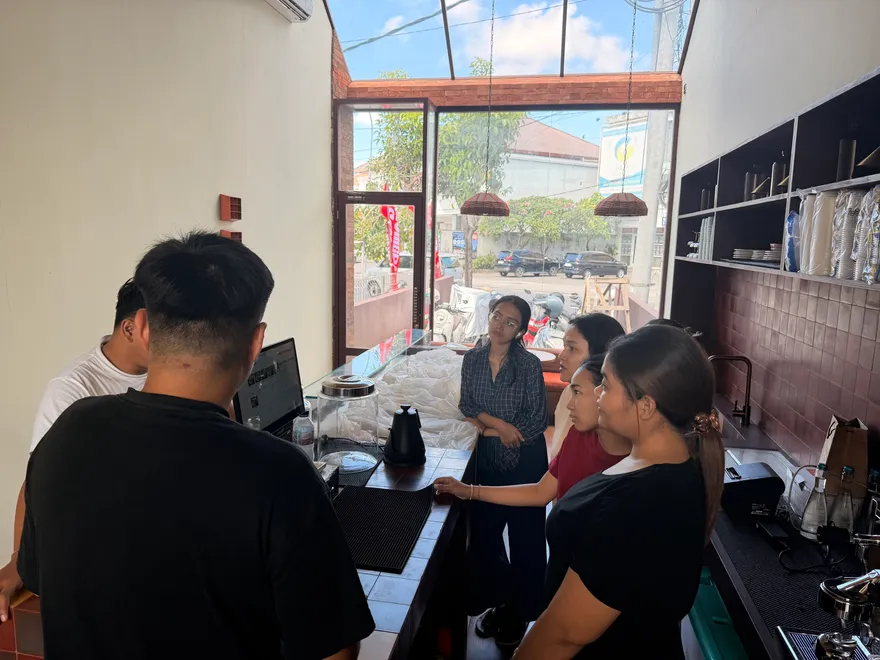
That is the situation the 24 hours is built for. ISAACS Speciality Coffee came to us opening at short notice in Ubud. We onboarded them and went out to the venue in person to set it up alongside their team, and they opened on the date they had planned.
Your current system has let you down. This one is more urgent, because the venue is already trading. A till that fails mid-service, support that stops answering, a contract that ends. You cannot close for two weeks while a new system is built around you.
What happens in those 24 hours
- Your form reaches our team, with your venue details, payment methods, order types, tables, menu, printers, devices, staff and EnakApp settings already in it.
- We contact you on WhatsApp to go through your answers, check nothing is missing, and ask about anything that needs clarifying — which add-ons apply to which dishes, usually.
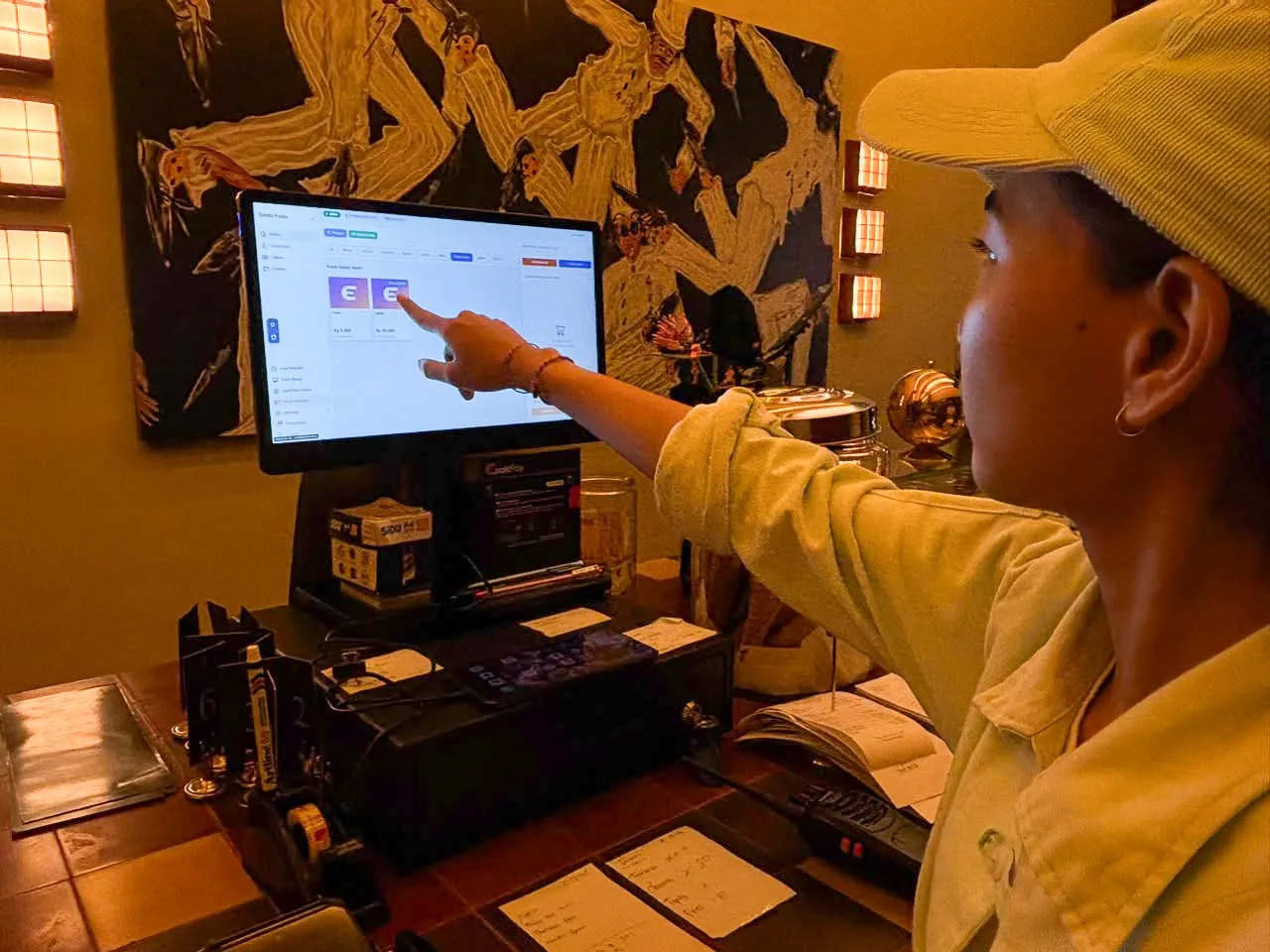
- We set the system up: your menu loaded with prices and add-ons, the POS configured for the order types you take, printers and the kitchen screen pointed at the right stations, and staff accounts created with the right access.
- You get a system ready to trade on, not an empty account to fill in yourself.
The part that takes days elsewhere is menu entry. Here, that’s our job.
What the form asks
Eleven steps, and you can stop part-way because your answers save in your browser:
| Step | What it covers |
|---|---|
| Venue | Name, address, opening hours, the plan you want |
| Payments | Which methods you want to take: QRIS, e-wallets, cards, cash |
| Channels | Dine-in, takeaway and delivery apps, with their own prices |
| Tables | Service areas and how many tables |
| Menu | Items, prices, categories and add-ons |
| Printers | Receipt printers and kitchen printers per station |
| Devices | The tablets, terminals or laptops you’ll use |
| Staff | Who logs in and what they can open |
| EnakApp | Guest QR ordering settings (Basic and Pro plans) |
| Inventory | Ingredients, suppliers and recipes for cost per item (Pro plan) |
| Send | A summary of your answers before it goes |
The page also has downloads that make it easier: a menu workbook, a floor area and table workbook, and templates for suppliers, inventory and recipes.
What you need ready
Two things decide whether 24 hours is realistic:
- A full menu with prices and add-ons. Any usable form will do: our workbook, your own spreadsheet, or a clear PDF. If the menu isn’t ready when you send the form, the 24 hours starts when it reaches us.
- Someone on your team available. Setup goes fastest when a manager or senior staff member can be reached and trained.
Beyond that, have devices and internet at the venue. There’s no need to buy anything new if your existing tablets, laptop or printers will do.
After the system is ready
- Staff training. For venues in Bali, our team comes to you. More on that in why in-person support matters.
- QR codes on tables. On the Basic and Pro plans we set up a code for each table. How it works is in what is QR ordering.
- Digital payments. Processed by our licensed partner, PT Digital Solusi Pratama. Activation follows their verification process, so it can complete after your POS is already running. We’ll tell you where it stands at each stage.
- 24/7 support, remote and on site, including retraining when you hire.
Why setup takes longer elsewhere
Three reasons we see most often:
- Menu entry is left to the venue. Hundreds of items with add-ons takes days when it’s squeezed between services.
- Onboarding fees. When setup is billed separately, venues put it off and do it themselves.
- Remote-only support. Printers, networks and floor layouts are hard to finish over a phone call.
The full cost picture is in how much a restaurant POS costs in Indonesia, and the things worth checking before you choose are in what to look for in a restaurant POS.
Start now
Fill in the venue setup form whenever suits. Your answers save as you go, so it doesn’t have to be done in one sitting. Once it’s sent, we’ll message you on WhatsApp.