What to look for in a restaurant POS: a 9-point checklist
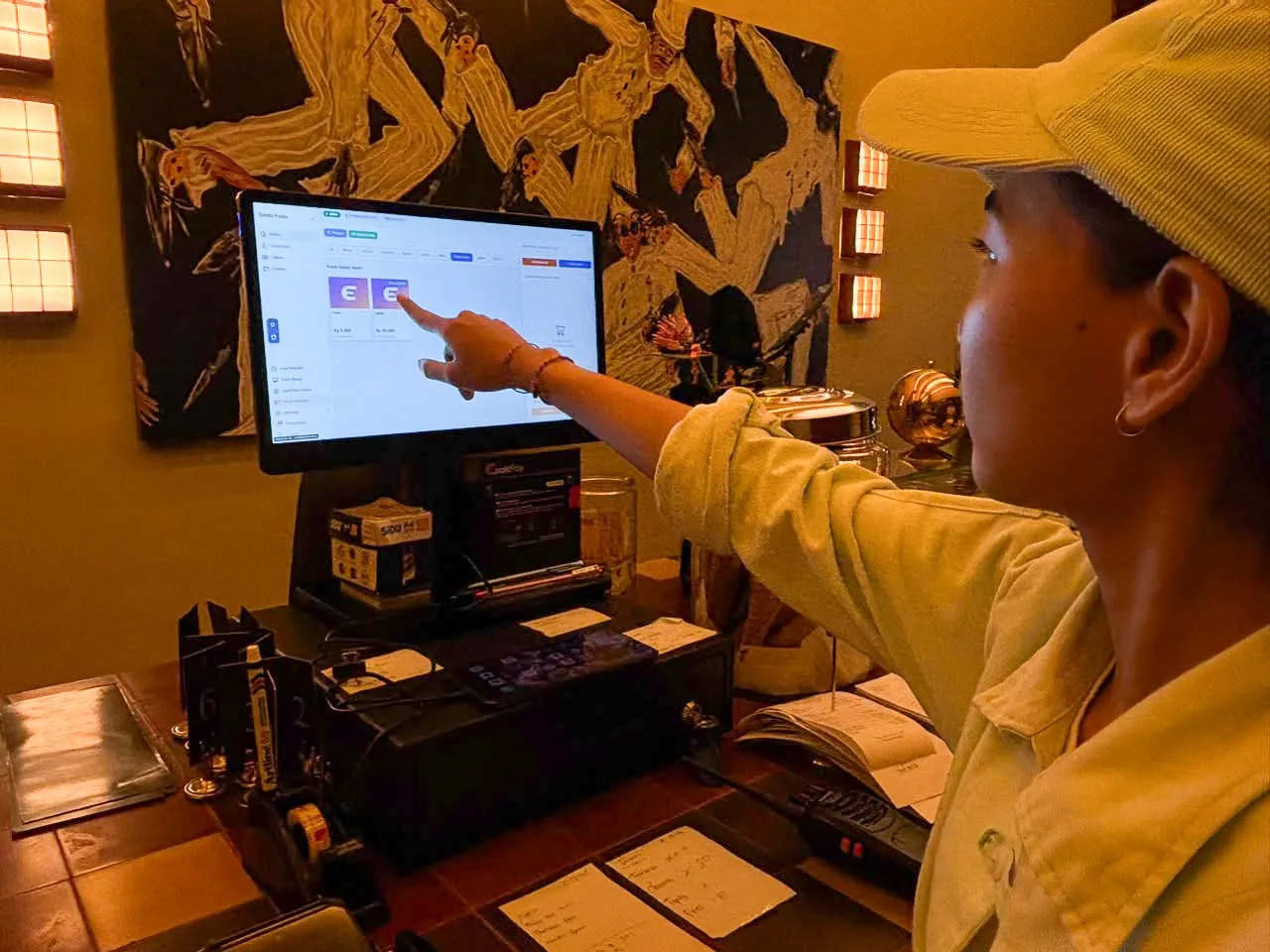
The right restaurant POS should handle every kind of order you take, accept the payment methods your guests use, send orders to the kitchen, and show sales and margins in real time, on hardware you already own. Price matters, but work through the checklist below first, then compare what it costs.
1. Does it handle every kind of order you take?
Start with how guests order in your venue today: dine-in with a table number, takeaway, phone orders, and perhaps QR ordering from the table. Make sure one system handles all of it, and that every order lands in the same reports.
At EnakPay, staff take dine-in, takeaway and phone orders in EnakPOS, while guests can order for themselves through QR ordering in EnakApp. Both go into the same system and the same reports.
2. Which payments does it accept, and who processes them?
Guests in Indonesia expect QRIS and e-wallets, not just cash. Ask every provider three things:
- Which methods it accepts: QRIS, GoPay, OVO, DANA, ShopeePay, debit and credit cards, cash.
- Who processes the payments, and what licence they hold. Digital payments should go through a partner licensed by Bank Indonesia.
- What the fee per transaction (MDR) is for each method, and when the money reaches your account.
At EnakPay, payments are processed by our licensed partner, PT Digital Solusi Pratama, which is licensed by Bank Indonesia and PCI DSS compliant.
3. Do orders reach the kitchen on their own?
A good POS doesn’t stop at the counter. Orders should appear in the kitchen with their special notes, without anyone writing them out again.
Check whether the system can send orders to a kitchen display (KDS) or a kitchen printer, whether the kitchen and the bar can each have their own screen, and which printers are supported. EnakPay works with Epson and other ESC/POS printers, and EnakKDS can be filtered by service area.
4. Can you change menus and prices yourself?
A healthy venue changes dishes, prices and promotions every week. If every change has to go through the provider’s support team, you’ll put off changes that should take seconds.
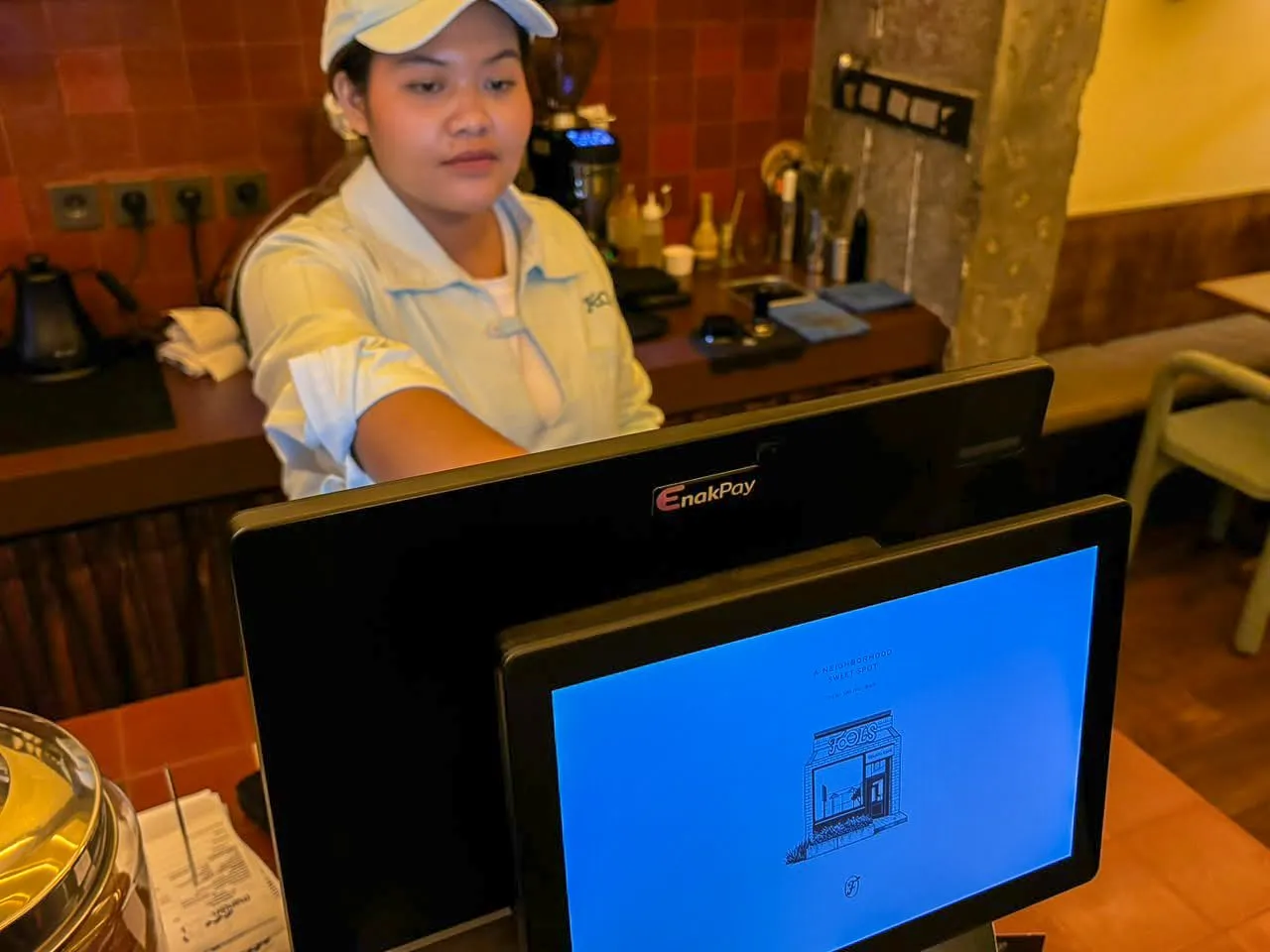
Ask: can you add items, change prices, upload photos, mark a dish as sold out and run promotions yourself? At EnakPay, all of that happens in the venue portal (EnakVP), including different prices per channel, for example for GrabFood or GoFood.
5. Which reports do you get, and when?
A report you can only read the next morning won’t help you during service. Look for a POS that shows sales as they happen, how each dish performs, and your busiest hours, so you can act before the next service.
If you want to see margin and not just turnover, ask about cost per item and ingredient stock. At EnakPay, inventory, ingredient-level BOM, stock takes and real-time cost per item are in the Pro plan.
6. Does it run on the devices you already have?
Hardware often costs more than the first year of software. Ask whether the system runs on the tablets, printers and terminals you already own, and whether you can add devices later.
7. What happens when the internet drops?
In many venues the connection disappears for a few minutes now and then. Ask each provider specifically: can the counter still take orders, can receipts still print, and what happens to those orders once the connection is back? Ask them to show you during the demo, rather than just answering “yes”.
8. Can international guests read your menu?
In Bali and other tourist areas, many guests don’t read Bahasa Indonesia. EnakApp translates menus automatically, so guests can read and order in their own language. Ask other providers the same question.
9. Support and onboarding: who helps when it’s busy?
POS problems show up when the venue is full, not during office hours. Ask about support hours, which languages the support team speaks, whether they can come to your venue, and who loads your menu at the start.
At EnakPay, our team sets up the system and loads your menu with no onboarding fee, and support is available 24/7, remote and on site.
Must-have and nice-to-have
| What you need | Must have | Can come later |
|---|---|---|
| Orders | Dine-in, takeaway, phone | QR ordering from the table |
| Payments | QRIS, e-wallets, cards and cash through a licensed partner | Guests paying at the table |
| Kitchen | A kitchen printer or kitchen screen | A separate screen per station |
| Menu | Change items, prices and sold-out status yourself | Prices per channel, scheduled promotions |
| Reports | Daily sales and best sellers | Cost per item and ingredient stock |
| Hardware | Runs on devices you already own | Terminals, cloud printers, KDS hardware |
| Support | Help during your opening hours | On-site visits |
Last step: compare the cost
Once the checklist is filled in, compare prices, and add up the 12-month total rather than the monthly fee. The breakdown is in how much a restaurant POS costs in Indonesia.
EnakPay plans start at Rp299K per month per venue, with no onboarding fees. Compare the plans, or ask for a live demo with your own menu.