What happens in an EnakPay demo, and how to tell if a POS fits your venue
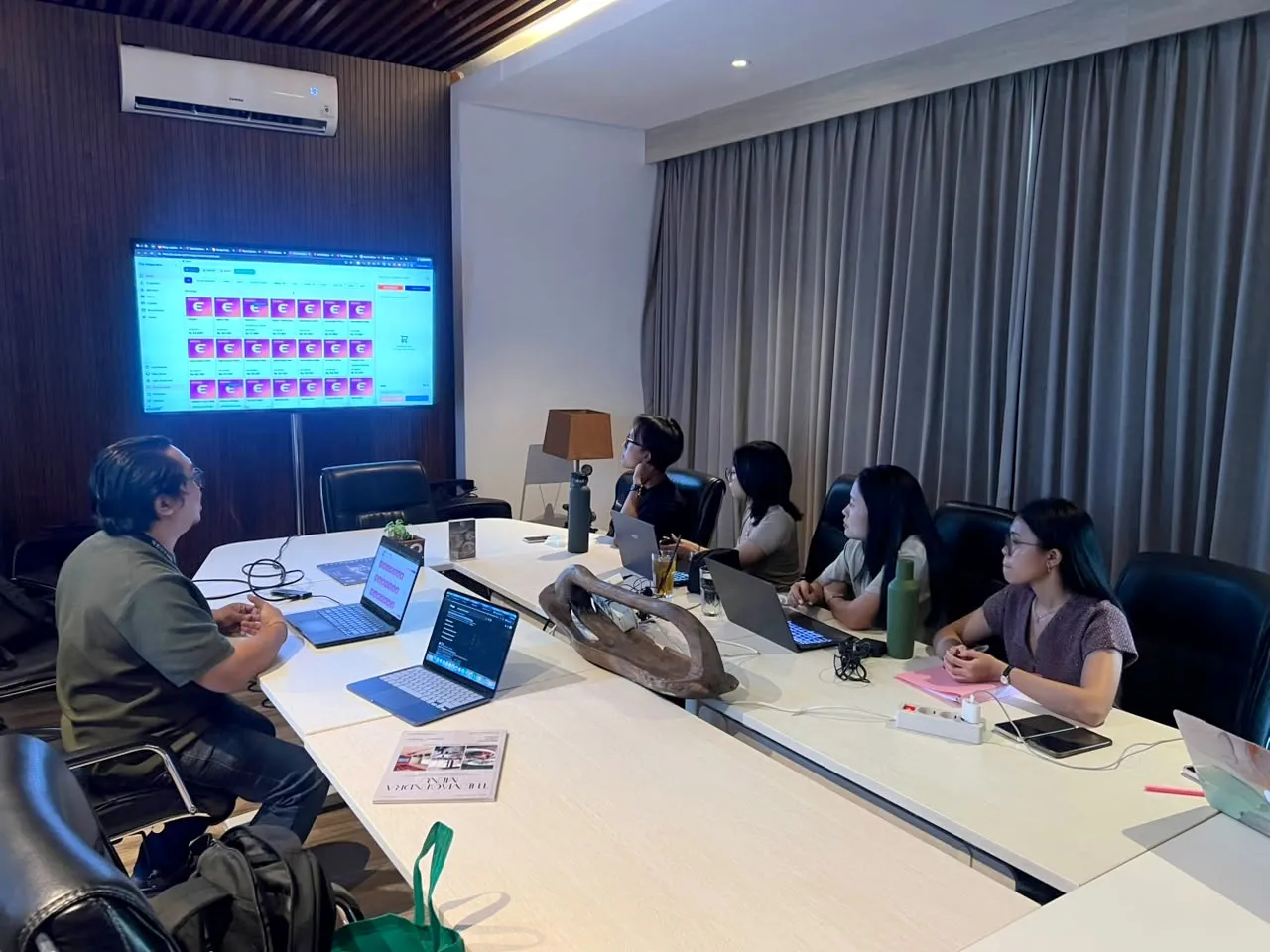
A POS demo should show your own service running on the system, from a guest ordering at the table to the report you read after closing. It should not be a slideshow. An EnakPay demo is in person or online, takes about 1 to 2 hours in person, and follows one order through every screen.
Is the demo in person or online?
Either. Demos can be in person or online, and so can onboarding afterwards. You choose what suits your venue and your schedule.
Our team is in Bali, so for venues here, meeting in person is usually the better use of the time. Your cashier can tap through an order themselves, your kitchen lead can see a ticket arrive, and everyone who has to agree on the decision hears the same answers at once. It is also easier to talk about your floor, your counter and your kitchen when we are looking at the same thing.
An in-person demo takes about 1 to 2 hours. A single café that only wants the POS is at the shorter end. A larger venue that wants QR ordering, the kitchen screen and inventory needs more time.
What do we show?
We follow one order from start to finish, because that is how you find the gaps:
- The guest orders from the table. They scan the table QR and order in EnakApp, with photos, add-ons and notes.
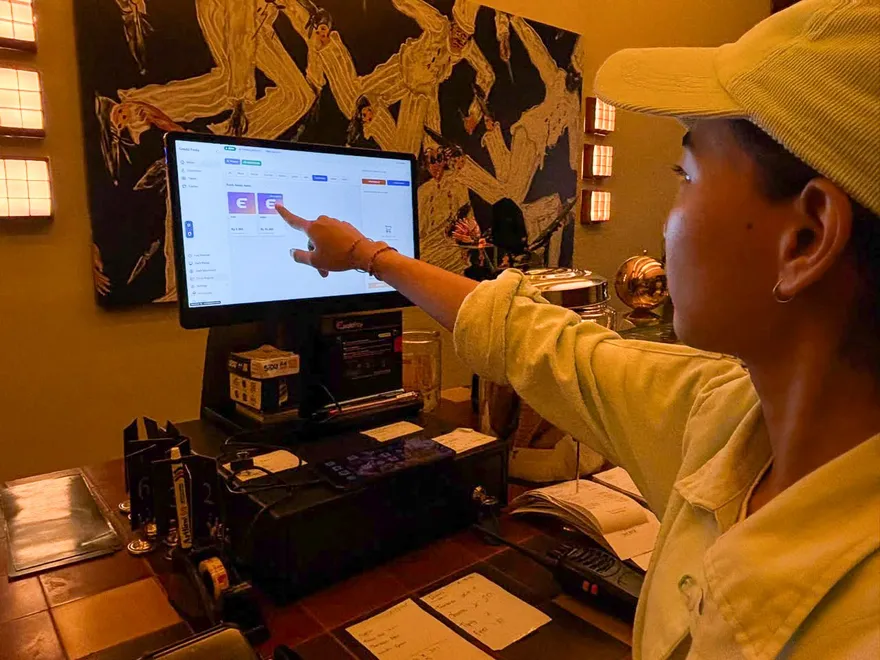
- The order arrives at the POS. EnakPOS sounds an alert, and the order sits against the right table on your floor plan. Staff can also enter orders themselves, move tables or merge orders.
- The kitchen gets the ticket. The order appears on the EnakKDS kitchen screen and prints at the right kitchen area, so nothing is re-entered.
- The guest pays. Cash, card, QRIS, e-wallets, bank transfer or EDC. One bill can be split across several methods, with a tip.
- You close the day. Staff count the drawer, and the closing summary shows totals by payment method, the cash that should be there and any difference. The sales reports are in the venue portal, EnakVP.
If you only need part of this, for example the POS without QR ordering, we spend the time there.
What should you bring?
The more of your real service we can talk through, the more useful the demo is:
- Your menu, with prices, add-ons and anything unusual such as set menus or happy-hour prices.
- Your floor plan or a table list, with the areas you use: indoor, terrace, bar.
- The problems from your busiest night. Where do orders get lost? Where does the cash not add up?
- The staff who will use it every day. Usually a cashier or supervisor and someone from the kitchen. They ask the questions owners don’t think of.
What do venue owners ask most?
These six come up in almost every demo, so here are the answers up front.
Is staff access protected by PIN?
Yes. Each staff member signs in to EnakPOS with their own PIN and has a role such as Manager, Supervisor or Staff. You decide who can do what.
How does opening and closing the register work?
Staff open the register with a starting float, record cash in and cash out during the shift, then count the drawer at close. The closing summary shows totals for each payment method, split per bank, for example EDC per bank and QRIS per bank. Many venues take several banks and methods, so this is the part owners ask to see first. We show you the summary on screen so you can check it matches how you reconcile today.
Can staff add discounts or void items?
Yes, both are done on the POS, and both are protected by PIN. Voiding an item needs a supervisor PIN, so a void always has a responsible person behind it.
What do the sales reports look like?
Venues like their reports presented in different ways. EnakPay has a variety of report views, including net sales, voids and waste, payment fees and sales by hour, with exports to CSV, PDF and Excel. If the view you rely on isn’t there, tell us in the demo. We are open to adding new report styles.
Does it work on Android and Apple devices?
Yes. On Android, EnakPOS runs fully, either as an app or in the web browser. On Apple devices, the system is web-based, so you use it in the browser on an iPad or a Mac. Several of our current venues run on Apple devices.
What happens if the internet drops?
The system is built for this. When the connection is unreliable or drops, staff keep taking orders and the printers keep printing dockets, so nobody has to write orders on paper to enter later. When the internet returns, everything syncs again. A few features, such as discounts and coupons, need a connection.
What if you ask for something we don’t have yet?
First we try to understand what you need and what you are trying to achieve. Often there is already a way to do something similar in the system, and we show you that.
If there isn’t, we take the request back to our development team, talk it through, and come back to you with a timeline.
A feature that isn’t available today is not a flat no. It may simply be available at a later date.
Which questions should you ask in any POS demo?
Whichever provider you are meeting, these questions show whether a system fits your venue:
- Can you show it with my menu? Add-ons, notes, set menus and split bills are where systems differ.
- What happens when the internet drops? Ask them to turn the Wi-Fi off and take an order.
- Who can void, discount or change a payment method? Ask to see the control, not hear about it.
- What does the closing summary show? Check it against how you count the drawer and reconcile each bank.
- How do orders reach the kitchen? Screen, printer or both, and how does each kitchen area get only its own items?
- Which hardware do I need? Ask whether your current tablets and printers will work.
- What does it cost in total? Subscription, onboarding, hardware, payment fees and add-ons, with or without PPN.
- Who supports me, and when? Hours, response time, and whether anyone can come to your venue.
- What don’t you do? A provider who can answer this is easier to trust on everything else.
Put the same questions to us.
What happens after the demo?
If you decide to go ahead, three things follow. We set the system up at your venue. We load your menu, with prices, photos and add-ons, and there is no onboarding fee. And we train your staff. Onboarding can be in person or online. Support is available 24/7 after that.
EnakPay plans start at Rp299K per month per venue, excluding PPN. Compare the plans.
Next
Before your demo, it helps to read what to look for in a restaurant POS, a 9-point checklist, and how much a restaurant POS costs in Indonesia.
Ready to see your own service on the system? Chat with us on WhatsApp to book a demo.